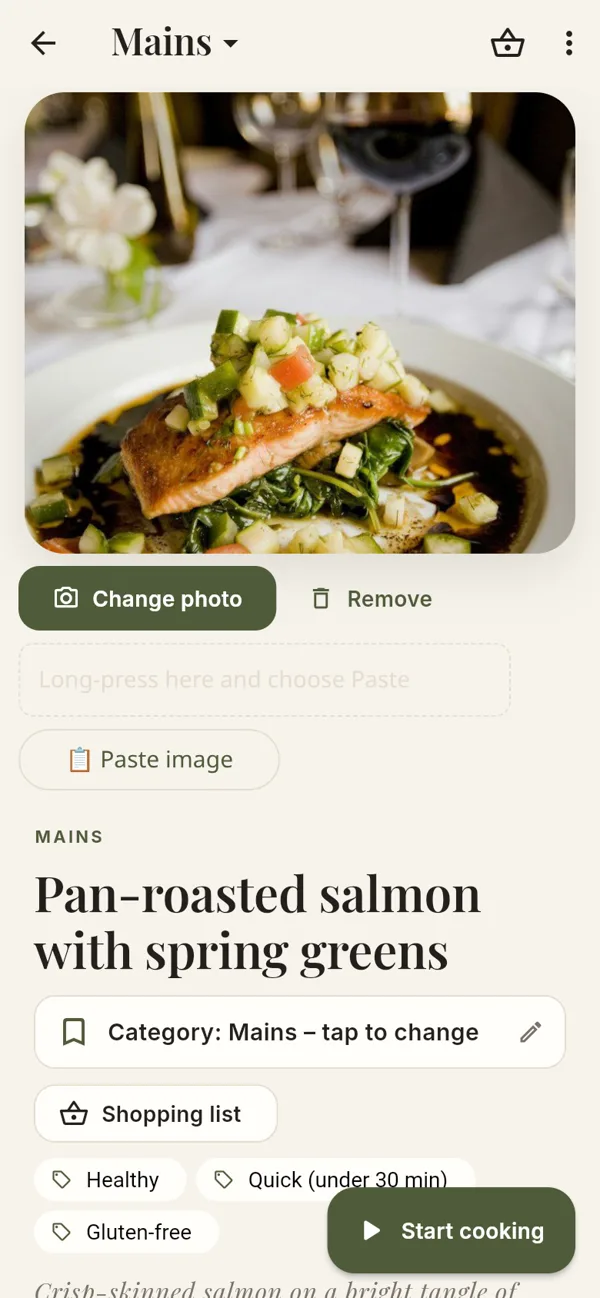
Every recipe, beautifully kept
Save recipes from almost any website, plus Pinterest pins and Instagram, TikTok and X posts. Or paste the text, or write your own. Photos, tags and notes included.
Save recipes from websites and social media into one calm, cookbook-style collection. Then cook, shop and plan the week from it.
Coming soon to the App Store. Until then, it's free to try as a web app on iPhone, iPad and computer.
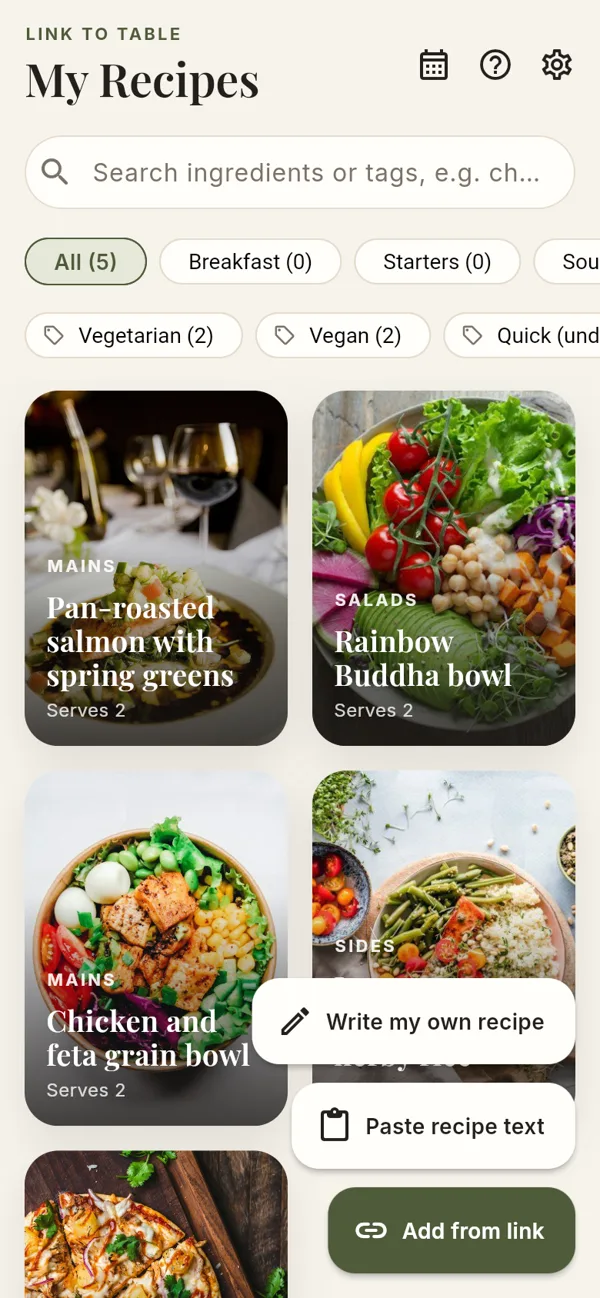
No adverts, no life stories before the ingredients. Just your recipes, ready when you are.
Save recipes from almost any website, plus Pinterest pins and Instagram, TikTok and X posts. Or paste the text, or write your own. Photos, tags and notes included.
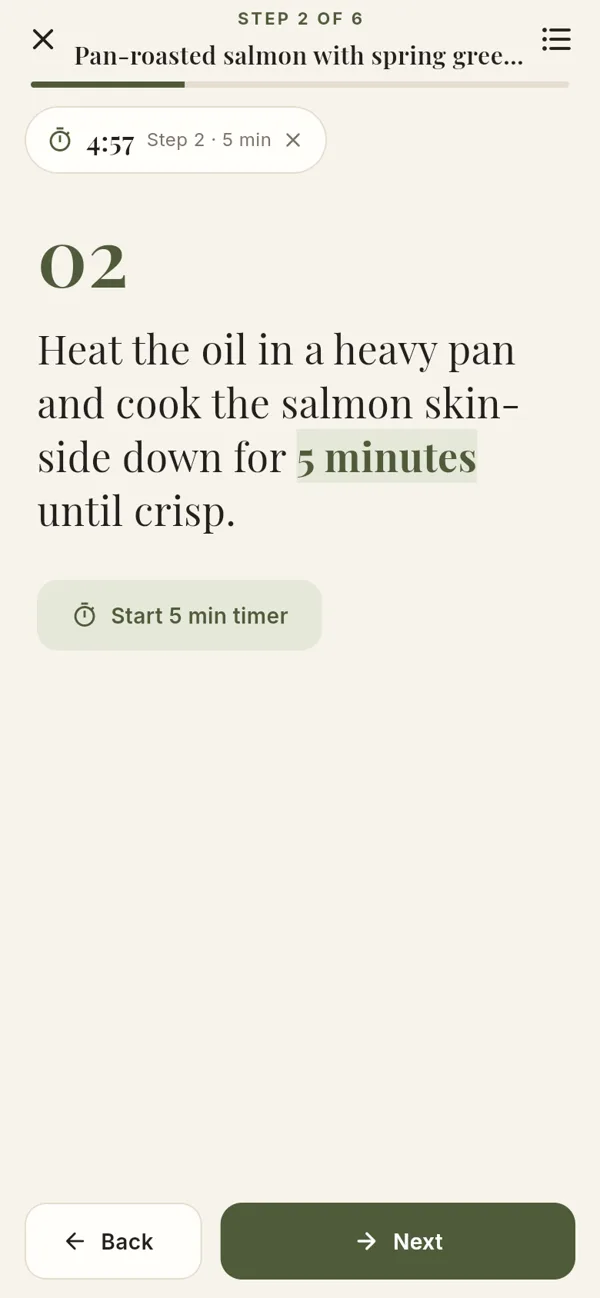
One big step at a time, with the times in each step turned into tap-to-start timers.
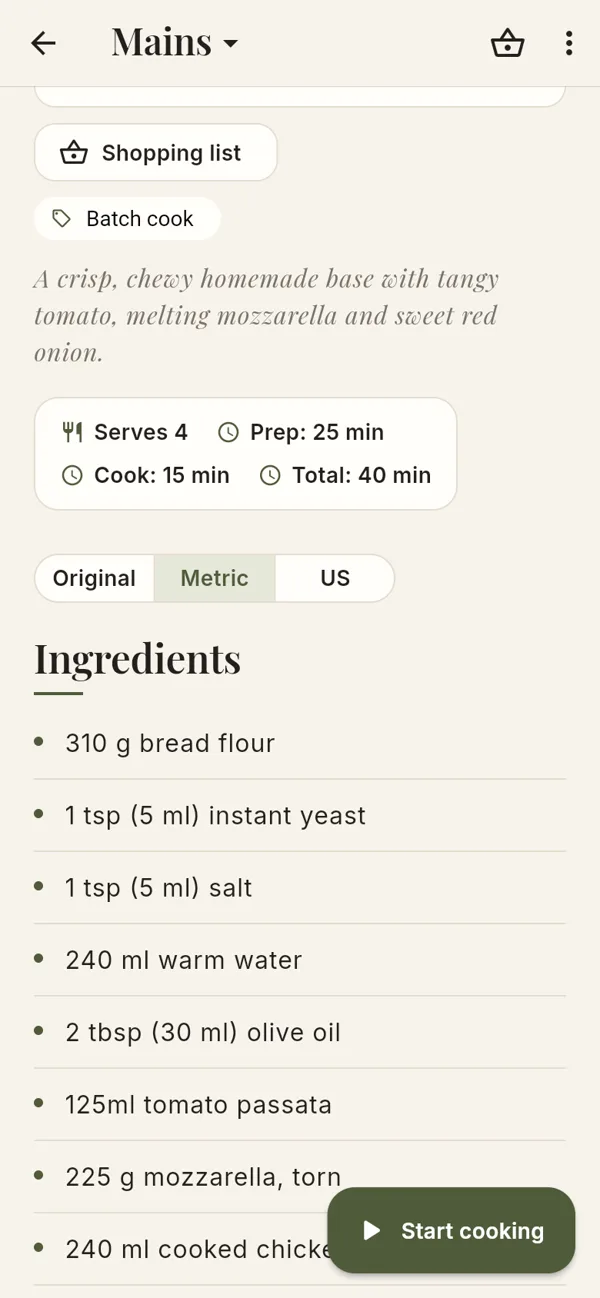
Cups to grams, °F to °C with the gas mark, and millilitres added to spoons. Your recipe stays as written.
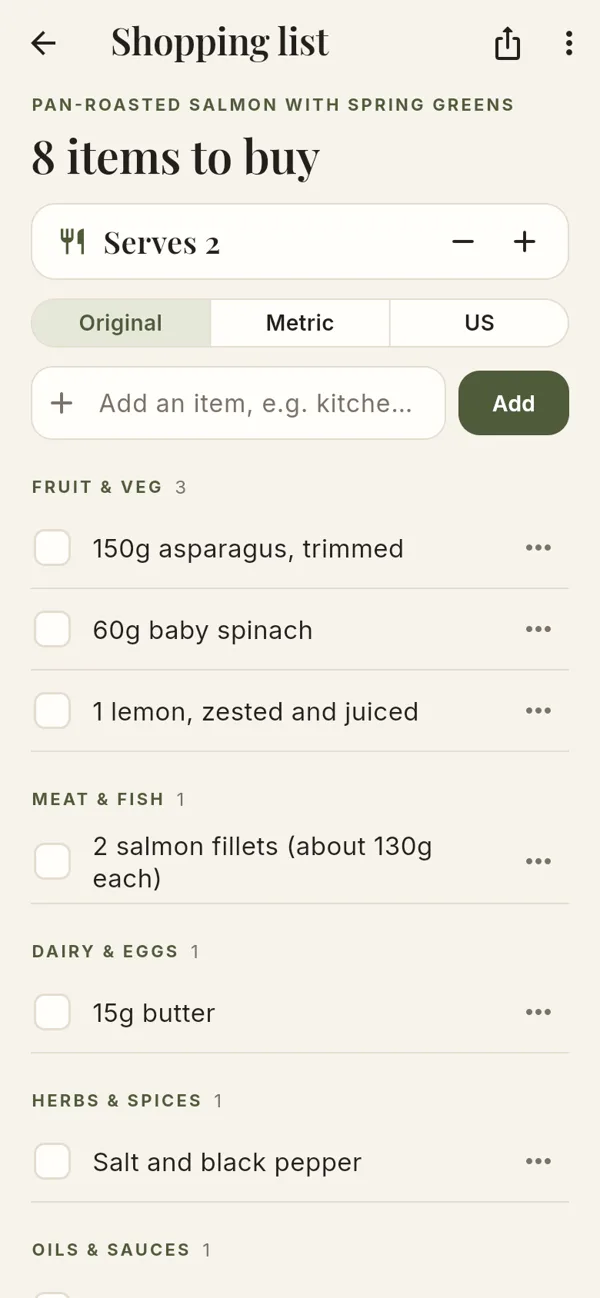
Scaled to your servings and grouped the way a supermarket is laid out. Tick things off as you go.
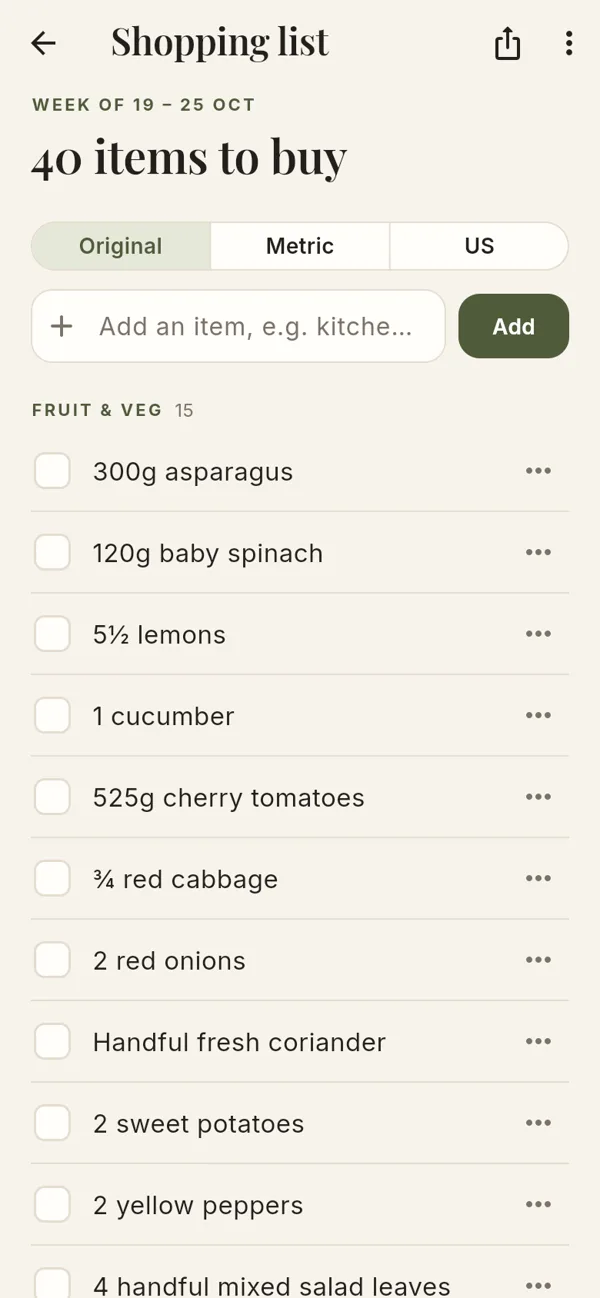
Breakfast, lunch and dinner for each day, then one shopping list for the whole week.
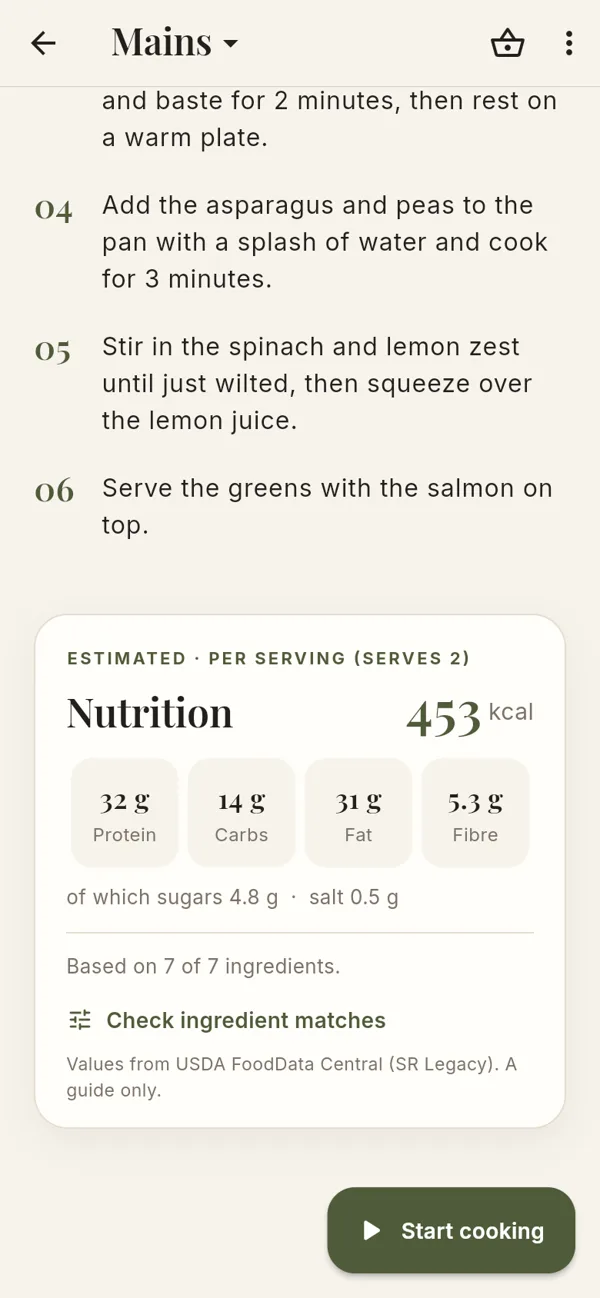
Calories, protein, carbs, fat, fibre, sugars and salt, from the recipe or estimated from its ingredients.
Most recipes are saved in a few seconds.
Find a recipe on a website, Pinterest, Instagram, TikTok or X and copy its link. Or copy the recipe's text.
Link to Table reads the title, photo, ingredients and steps, and suggests a category. Check it over and save.
Switch units, start cooking mode with timers, make a shopping list or add it to this week's plan.
Tap a topic to open it. You'll find the same guide inside the app, under Help.

Link to Table is free to try in Safari right now. Add it to your home screen and it works just like an app.
Open the web app